
COURSES

The course duration is 3 months. It will take place 3 times per week, for 1.5-2 hours.
During the class you will have theoretical part and practical work, as well as homework.
The course will be take in groups , in each group up to 5 person.
Working in a group, you will have the chance to learn on many levels from others, which greatly accelerates the progress of your individual learning process.
Our course is ideal for beginners as well as professionals.
No previous knowledge and experience in 3D rendering is required. If you already have knowledge about 3D rendering, we will raise the bar so that the course allows you to develop and expand your skills.
The lessons are meant to teach you how to think like a 3D Visualisation Artist.
Our teachers will always stand behind your back, communicate with you, answer all questions and analyse all your mistakes.
INTERIOR DESIGN COURSE

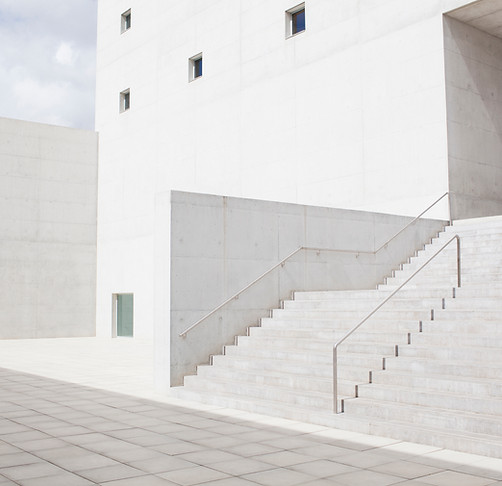
EXTERIOR DESIGN COURSE
The course is divided into 3 main modules
BASE
We will analyze the basics of polygonal and spline modeling, understanding of the very structure of the program.

MODELING
We will explore main modeling techniques. Modeling is the process of creating objects with the use of different types of methods or approaches with the tools and commands given in 3Ds Max and you will learn all this in our course.

RENDERING
We will be focused heavily on using lights, materials or recipes to give your render a specific look.
We will teach features for lighting, materials, and rendering in 3ds Max, how to adjust render settings and object properties, add lighting, simulate natural daylight, customize and apply materials to get exactly the look you want.

Extra module
SPECIALIST
-
Advanced Modelling Considerations
-
Advanced Lighting Settings
-
Advanced Material Creation
-
Advanced Camera Settings and Composition - Blur, Atmospherics, Etc.
-
Advanced image processing in Photoshop
-
New Photoshop Techniques for quick post-processing
